

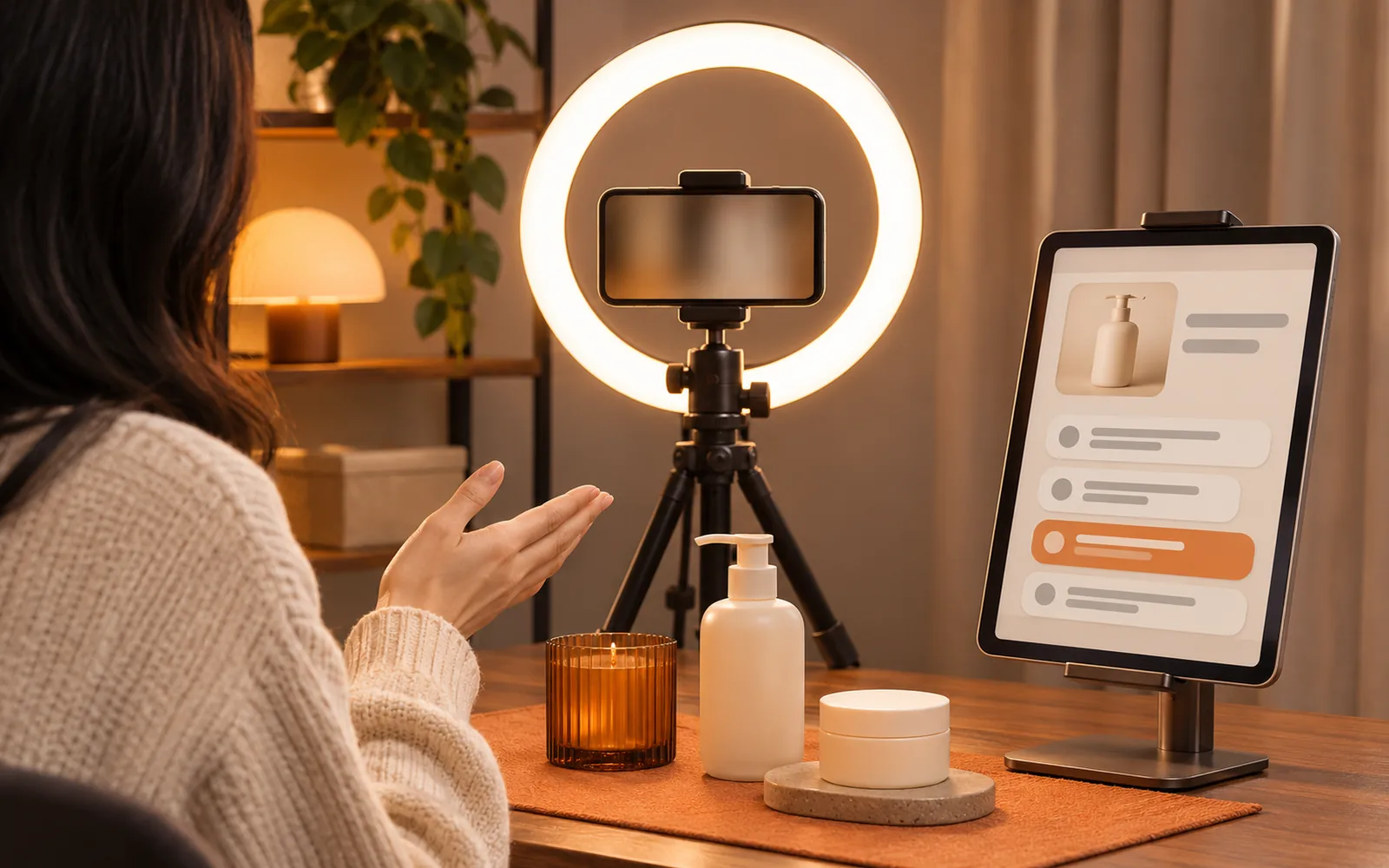
In short: TinyCoal Live is the live selling module of the TinyCoal desktop app, for TikTok Shop sellers who go live themselves or work with a host. It has six parts: a product knowledge base, live scripts, a prompter screen, comment questions with suggested answers, live translation and post-stream reviews. The person on camera is real, the voice is real, and every answer is spoken by the host. AI only prepares and reminds, off camera.
What a host is juggling during one stream
An hour of selling live means running several jobs in your head at the same time. These are the problems sellers mention most:
| Problem | What it looks like | How TinyCoal Live helps |
|---|---|---|
| Questions scroll away | "Do you have XL?" is buried under emojis, and the viewer leaves without an answer | Picks questions out of the comments into a list you tick off |
| Stuck on a question | "Is it dishwasher safe?" and all the host can say is "let me check" | Finds the answer in your own product data and suggests one line to say |
| New host, new products | Days of training, and still checking specs on a phone during the stream | Turns product data into a searchable knowledge base and drafts a script before each stream |
| Losing the running order | The offer never gets mentioned, the countdown is missed, the next product is not ready | The prompter shows key points, the next step, a countdown and offer reminders |
| Comments in another language | Thai or Vietnamese comments go unanswered because nobody can read them | Translates comments; suggested answers come in the local language and in yours |
| Nothing learned afterwards | Nobody records which questions kept coming up or went unanswered | A review after every stream: top questions, missed questions, time spent per product |
Product knowledge base: where the answers come from
The knowledge base holds your own product data: titles, selling points, sizes and specs, materials, who it suits, prices and offers, stock, common questions, and the things you must not say, such as claims you cannot make or delivery times you cannot promise. Import it from a spreadsheet or type it in.
Suggested answers come only from the knowledge base. If the data does not cover a question, it says so and suggests "I'll confirm and get back to you" instead of inventing a size or a discount. That is the most important rule in the module: a wrong answer costs far more than a slow one.

We wrote up how to turn scattered product notes into a knowledge base you can search mid-stream, as a guide you can follow without any software: get a new host ready in a week with a product knowledge base.
Live scripts: a running order before you go live
Tell it which products are in the stream, how long it runs and which language to use. It drafts a script from the knowledge base: how to open, which selling point to lead with for each product, when to mention the offer, how to close. You can edit, cut and reorder it, and the edited version is saved for the next time that product comes up.
The script is not something to read aloud. Viewers can hear when a host is reading. Its job is to give the host a running order, so they can say it in their own words.
Prompter screen: only the host can see it
The prompter is a separate window on a screen the host can see and the camera cannot: a second monitor, a tablet or a laptop. It shows only what matters right now:
- Three key points for the current product, in large type.
- What comes next, following the script.
- Countdown and offer reminders, so the host knows when an offer ends.
- Pinned questions that keep coming up, so the host can address them every few minutes.
A helper, or the host, switches products and marks questions as answered on the control panel, and the prompter follows.
Comment questions and suggested answers
Most live comments are greetings, emojis and chat. The real questions are mixed in. The question assistant does three things: it picks out the questions, groups them by product and merges duplicates (ten people asking "is there a black one?" becomes one line with a count), and drafts a short answer from the knowledge base that the host can say in one breath.

How comments get into the assistant: a helper, or the host, selects or pastes them on the computer. TinyCoal Live only gets data in ways the platform allows and does not use unofficial methods to read a live room.
Suggested answers appear only on the prompter, and the host says them out loud. TinyCoal Live never posts comments in the live room and never speaks for the host. For how to keep up with comments when you stream alone, see how to stop missing questions in live comments when you stream alone.
Live translation: read the comments, say it in the local language
Pasted comments are translated into your language, with the original beside them. Each suggested answer comes in two forms: one line in the viewer's language and its meaning in yours, so the host understands before speaking. The host can also type a line in their own language and get it in the local language with a pronunciation hint.
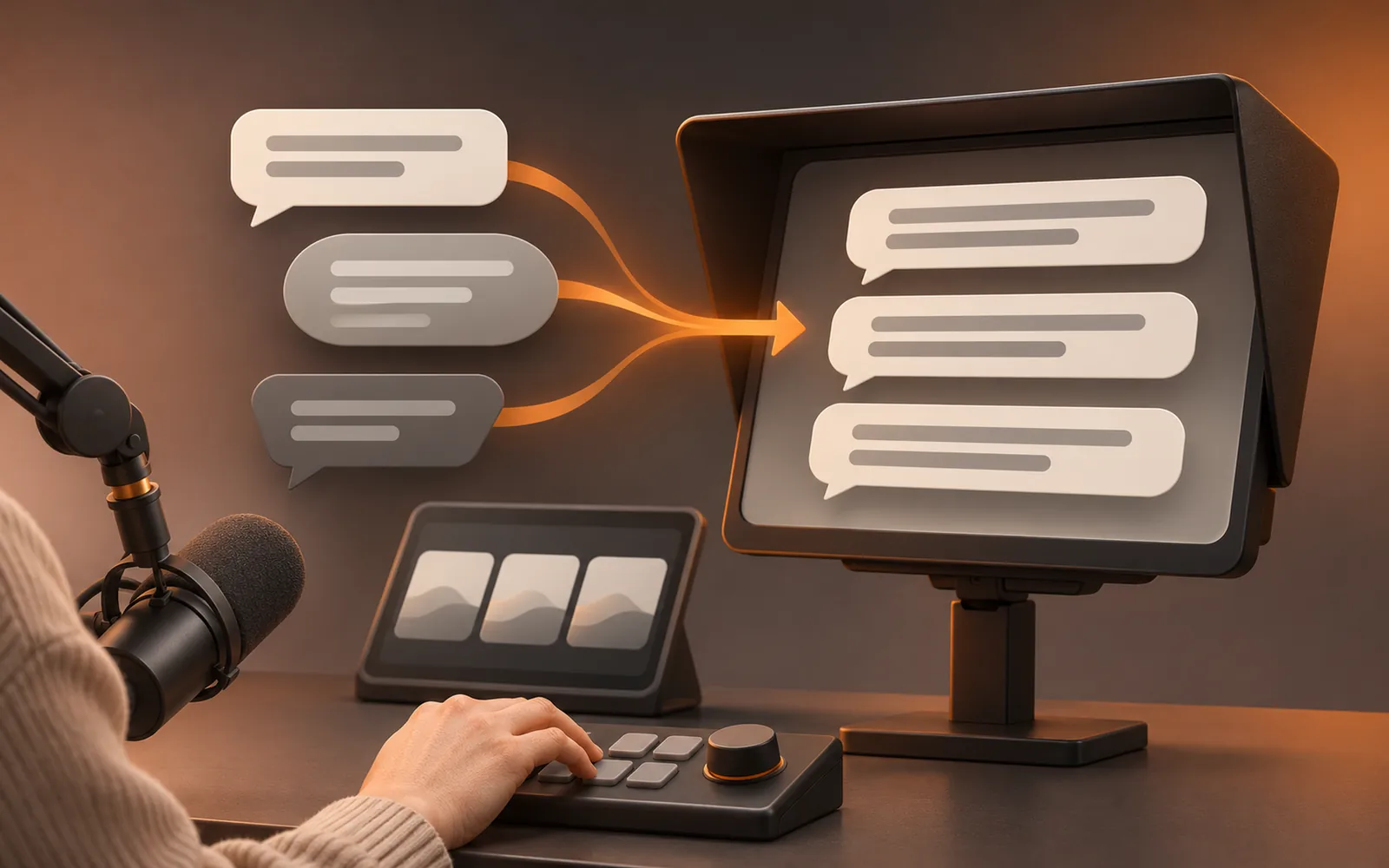
Translation handles understanding and accuracy. Tone and local habits still need a person; the same lessons apply as in replying to messages in several languages.
Post-stream review: each stream a little better
When the stream ends, TinyCoal Live puts it on one page: the most asked questions, the ones that went unanswered, how long each product was presented, and which questions the knowledge base cannot answer yet. Add a missed question to the knowledge base in one click and the next stream has the answer.

If you export the stream's sales data from the platform, you can import it and view it next to presentation times. Reviews sit in the same report centre as TinyCoal's daily reports.
How to use it around one stream
- The day before: complete the product data for the stream and check that prices and offers are current.
- An hour before: generate the script, let the host read it and reorder it; set up the prompter out of shot and test it.
- During the stream: the helper feeds questions in, switches products and marks answers; the host reads the prompter and answers in their own words.
- Within ten minutes of ending: read the review, add missed questions to the knowledge base, and note the top questions for the next script.
Common mistakes
- A stale knowledge base. If prices, offers or stock change and the data does not, the answers are wrong. Spend five minutes checking before each stream.
- Reading suggestions word for word. Say them in your own voice so it sounds like a conversation.
- Answering only the easy questions. For the hard ones, say "I'll confirm and tell you" on air and follow up.
- The prompter in shot. Check through the camera before going live, reflections included.
- Speaking translated numbers unchecked. Glance at the original for prices, quantities and sizes.
How to tell it is working
After a few weeks, compare these yourself, before and after:
| What to watch | How to record it | What good looks like |
|---|---|---|
| Missed questions | The "unanswered" count in each review | Falling from stream to stream |
| Time to answer | Spot-check a few questions | Most answered on the spot |
| "Let me check" moments | Questions flagged as missing data | Fewer as the knowledge base fills in |
| New host ready | Days from first training to first solo stream | Shorter than before |
These are ways to judge for yourself. How a stream sells depends on the product, the price and the host. TinyCoal Live makes no promises about sales.
What TinyCoal Live does not do
- It does not use a synthetic voice to speak for a person on a stream, and does not turn the host's words into synthetic speech in another language.
- It does not go live without the host present, and does not loop recordings as if they were live.
- It does not post comments or generate engagement in the live room, and does not push one stream out through several accounts at once.
- It offers nothing to get around a platform's checks or limits on live streams.
These are product principles, consistent with our terms of service and about page.
Built around the platform's published live rules
As of November 2026, the Non-Interactive Content rules on TikTok Shop's six Southeast Asian sites (Indonesia, Malaysia, Thailand, Vietnam, the Philippines, Singapore) say that using recorded or computer-generated voices instead of real-time interaction with viewers counts as non-interactive content. The US site's high-quality video and LIVE requirements also say not to use AI-generated voices in live streams. Hosts are expected to interact with viewers verbally in real time, and are encouraged to reply to comments, ideally reading a comment aloud before answering it.
TinyCoal Live follows the same direction: the host says every answer, and AI only gives text prompts. The prompter and translations are for the host only and never go into the stream picture (the same rules say static images and slides should not take up more than 50% of the screen or block the host). The US site lists using AI to help write live scripts as an allowed use, provided the content is accurate and not misleading. These official pages were read on November 22, 2026. The platform interprets and enforces its own rules, so check the latest version before you go live. TinyCoal is independent software and is not affiliated with TikTok.
Where your product data and comments are stored
As with every TinyCoal module, the knowledge base, scripts, comments and reviews stay on your own computer. For AI processing you can use your own model key or TinyCoal's AI credits; phone numbers, addresses and order numbers are masked before anything is sent, and every send is logged locally. See local data and privacy and the privacy policy.
Who it is for
- Small sellers who host their own streams and need a question list and a prompter most.
- Sellers who hire hosts and want new hosts to learn products faster.
- Sellers selling across countries who cannot read the comments or speak the local language fluently.
- Teams with several shops and hosts who want every stream reviewed.
See TikTok Shop live sellers for a worked example. If you also run short videos across several countries, see how cross-border sellers use TinyCoal's other modules: separate account environments, AI video production, publishing schedule and the unified inbox. Questions asked in a live room are often the same ones that arrive by message, so both can share one set of product data. Everything is on the features overview.
Notify me at launch
TinyCoal Live launches in January 2027. Pricing will be announced at launch. Leave your email and we will tell you as soon as it is available; there is no charge now. Plans for the main TinyCoal app are on the pricing page. Other questions: FAQ or contact us.
FAQ
When does TinyCoal Live launch?
In January 2027. Leave your email and we will let you know.
How much will it cost?
Pricing will be announced at launch. Leaving your email costs nothing.
Will AI speak for me during the stream?
No. The person on camera and the voice are real. AI only puts suggested answers on the prompter; whether and how to say them is up to the host.
Can it read live comments automatically?
A helper or the host selects or pastes comments into the question assistant. TinyCoal Live only gets data in ways the platform allows and does not use unofficial methods to read a live room.
Will the suggested answers make things up?
Answers come only from your own product data. If the data does not cover a question, it suggests saying you will confirm, and flags the gap in the review.
Which languages are supported?
Comment translation and suggested answers cover major languages, including English, Indonesian, Thai, Vietnamese, Malay and Filipino, shown in the language you choose.