

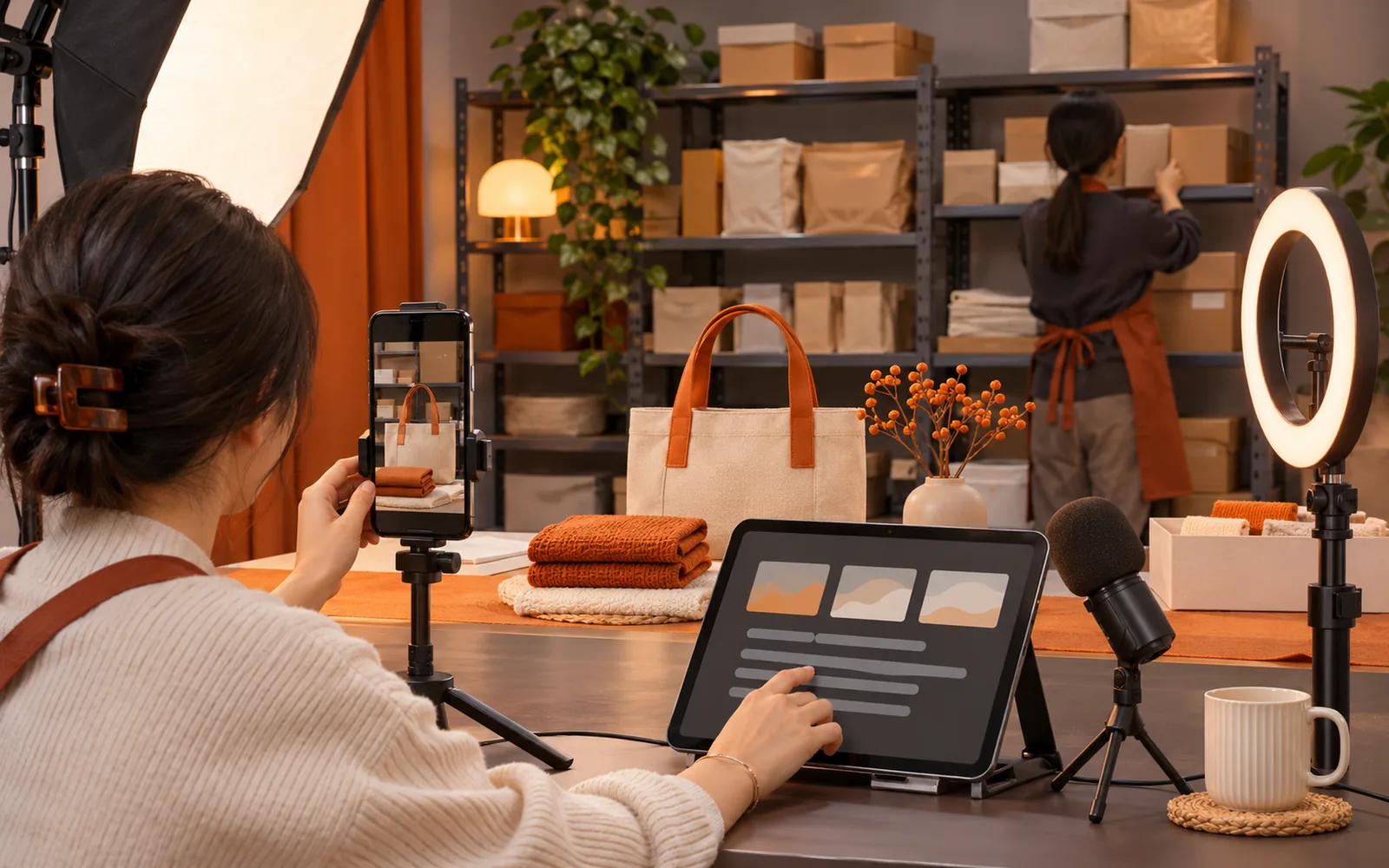
In short: if you sell live on TikTok Shop yourself, or with a hired host, TinyCoal Live helps with four things: turning product data into a knowledge base the host can search; drafting a running order for each stream; picking questions out of the comments and putting suggested answers on a prompter; and summarising each stream's questions and gaps afterwards. The people on camera, and the voices, are always your own. TinyCoal Live launches in January 2027.
Here is a common setup: a shop selling homeware and kitchen items, about 20 products per stream, 90 minutes long. The owner hosts, and one colleague helps. Your category and team size may differ; the approach is the same.
Four problems these sellers run into
| Problem | Why it happens | Result |
|---|---|---|
| Questions scroll past | The host is presenting while comments fill with greetings and emojis | People asking about sizes or shipping get no answer |
| Stuck on a question | Nobody remembers the specs of 20 products | "Let me check", then it is forgotten |
| Hard to hand over | Product details live in spreadsheets, chats and the owner's head | A new host takes a long time to stream alone |
| Nothing kept | Everyone is tired after the stream | The same questions stump the host next time |
How two people split the work
TinyCoal Live assumes two roles per stream. One person can use it too; the host just does the helper's jobs as well.
| Role | Before | During | After |
|---|---|---|---|
| Host | Reads the script and reorders it to suit how they talk | Presents; reads key points and suggested answers on the prompter and says them in their own words | Spends five minutes on the review |
| Helper | Checks prices, offers and stock in the knowledge base | Selects or pastes questions into the question assistant; switches products; marks answers | Adds missed questions to the knowledge base |
There is a method for spotting and ordering questions that works without any software: how to stop missing questions in live comments when you stream alone.
Before the stream: one knowledge base, one running order
- Put product data into the knowledge base. One card per product: selling points, specs, materials, who it suits, price and offers, common questions and things not to say. The first round takes the longest; after that you only update what changed. See get a new host ready in a week with a product knowledge base.
- Generate the script. Pick the products and length, get a running order, and let the host edit it until it sounds natural.
- Set up the prompter where the host can glance at it and the camera cannot see it. Check through the camera before going live.
During the stream: questions into the list, answers on screen
The helper adds each question to the assistant. It merges duplicates with a count, finds the answer in the knowledge base and writes one line the host can say, shown on the prompter. When the host finishes a segment, they glance at the list, answer the most asked question first, and the helper ticks it off.
Why the host must say every answer: as of November 2026, the Non-Interactive Content rules on TikTok Shop's Southeast Asian sites say that using recorded or computer-generated voices instead of real-time interaction counts as non-interactive content (Singapore site, read November 22, 2026). TinyCoal Live's suggested answers are text for the host to read, nothing more.
When the knowledge base has no answer, the prompter says so. The host says "I'll confirm that and tell you before we finish", and the helper notes it. That is far safer than guessing on air.
If viewers come from several countries, comments can be translated, and suggested answers come in the local language and yours. For tone and forms of address, see replying to messages in several languages.
After the stream: a ten-minute review
The review lists the most asked questions, the unanswered ones, time spent on each product and gaps in the knowledge base. Read it within ten minutes of ending, while memory is fresh:
- Add unanswered questions to the knowledge base.
- Write the three most asked questions into the next script so the host covers them unprompted.
- Look at products that ran very long or very short and consider the order.
Common mistakes
- Preparing only the host. The helper needs to know the knowledge base too, to spot questions quickly.
- Prices changed, data did not. When an offer changes, update the knowledge base or the suggestions will be wrong.
- Reading suggestions as lines. Viewers can tell. The words should be the host's own.
- Skipping the review. It takes ten minutes. Skip it and the same questions trip you up again.
How to tell it is working
Track three numbers: unanswered questions per stream, how often the host says "let me check", and days from a new host's first preparation to their first solo stream. If they move the right way over several streams, the method is working. Sales depend on the product, the price and the host; TinyCoal Live makes no promises about sales.
When you probably do not need it
- You sell one or two products per stream and the host knows them inside out.
- Comments are few and the host can easily keep up alone.
- You want AI to appear or speak in place of a person. TinyCoal Live does not do that; it only helps real hosts.
Using it with the rest of TinyCoal
Many live sellers also run short videos and accounts in several countries. Questions asked in a live room often arrive by message too, so the unified inbox can share the same product data. Stream teaser videos can come from AI video production and go out on local time with the publishing schedule. For multiple countries and accounts, see cross-border sellers and separate account environments; for a quick daily status check, daily checks and reports. If a teaser uses AI footage, label it as required. Where data is stored: local data and privacy.
The full module description is on the TinyCoal Live page. Pricing will be announced at launch, and you can leave your email there to be notified. Other team types are under use cases, every feature on the features overview, and common questions in the FAQ.
FAQ
I stream alone. Can I still use it?
Yes. You do the helper's jobs yourself: after each segment, paste in the questions you saw and read the suggested answers. When comments get busy, it helps to have someone else watch them.
Will it speak or appear on camera for me?
No. The people on camera and the voices are real. AI only gives suggestions on the prompter.
Do comments have to be added by hand?
Yes, a helper or the host selects or pastes them into the question assistant. TinyCoal Live only gets data in ways the platform allows and does not use unofficial methods to read a live room.
When can I use it?
TinyCoal Live launches in January 2027. Pricing will be announced at launch.