

Run dozens to hundreds of social accounts with a small team
Each account gets its own environment. AI helps you make videos, schedule posts, read messages and comments, draft replies and write a daily report. Anything that goes out waits for your click.
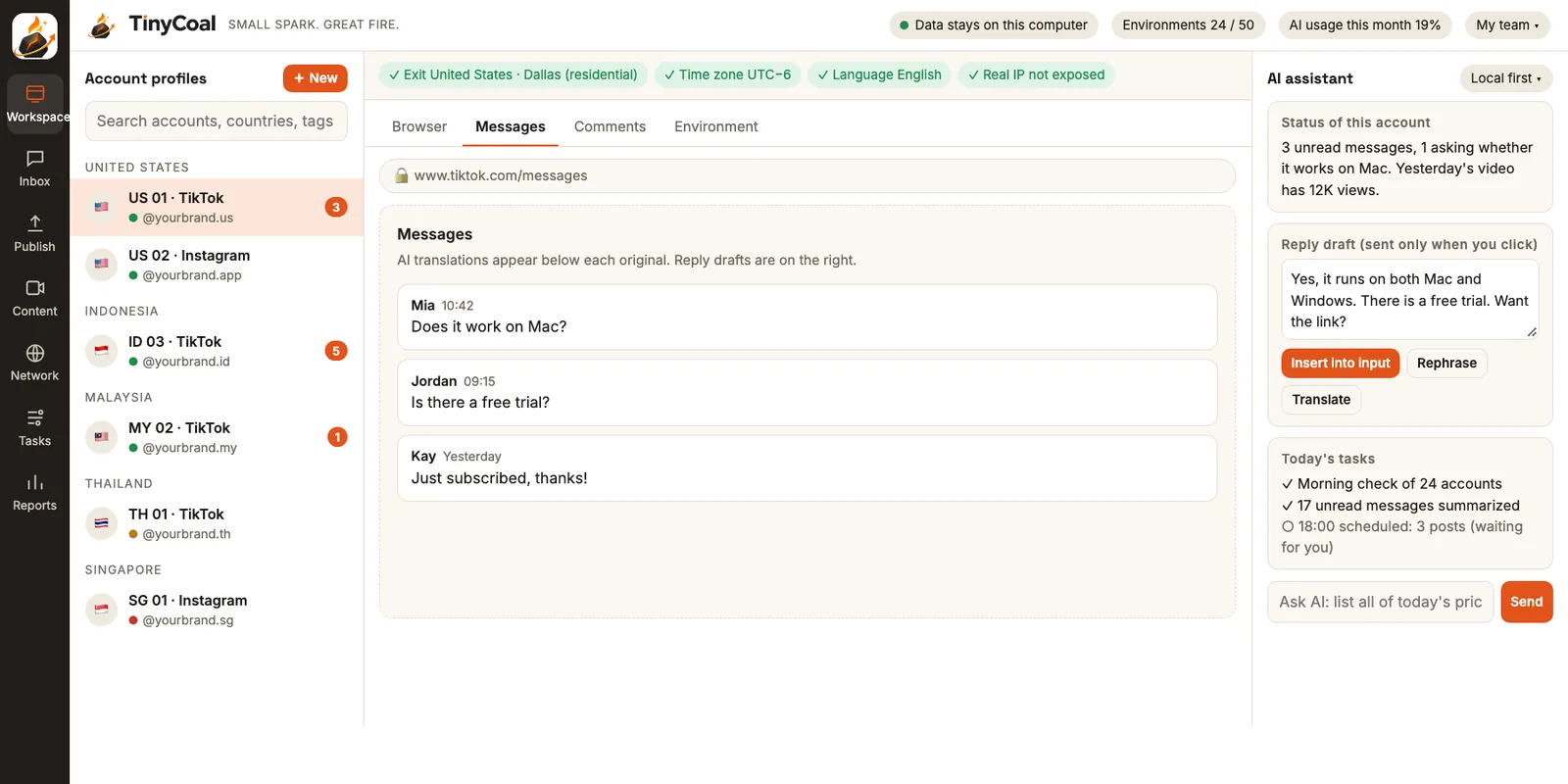
One asset library, many videos that don't look alike
Topics, scripts, voiceover, visuals, captions and language versions. AI builds from your own asset library, checks for duplicates, and you approve before anything is scheduled.
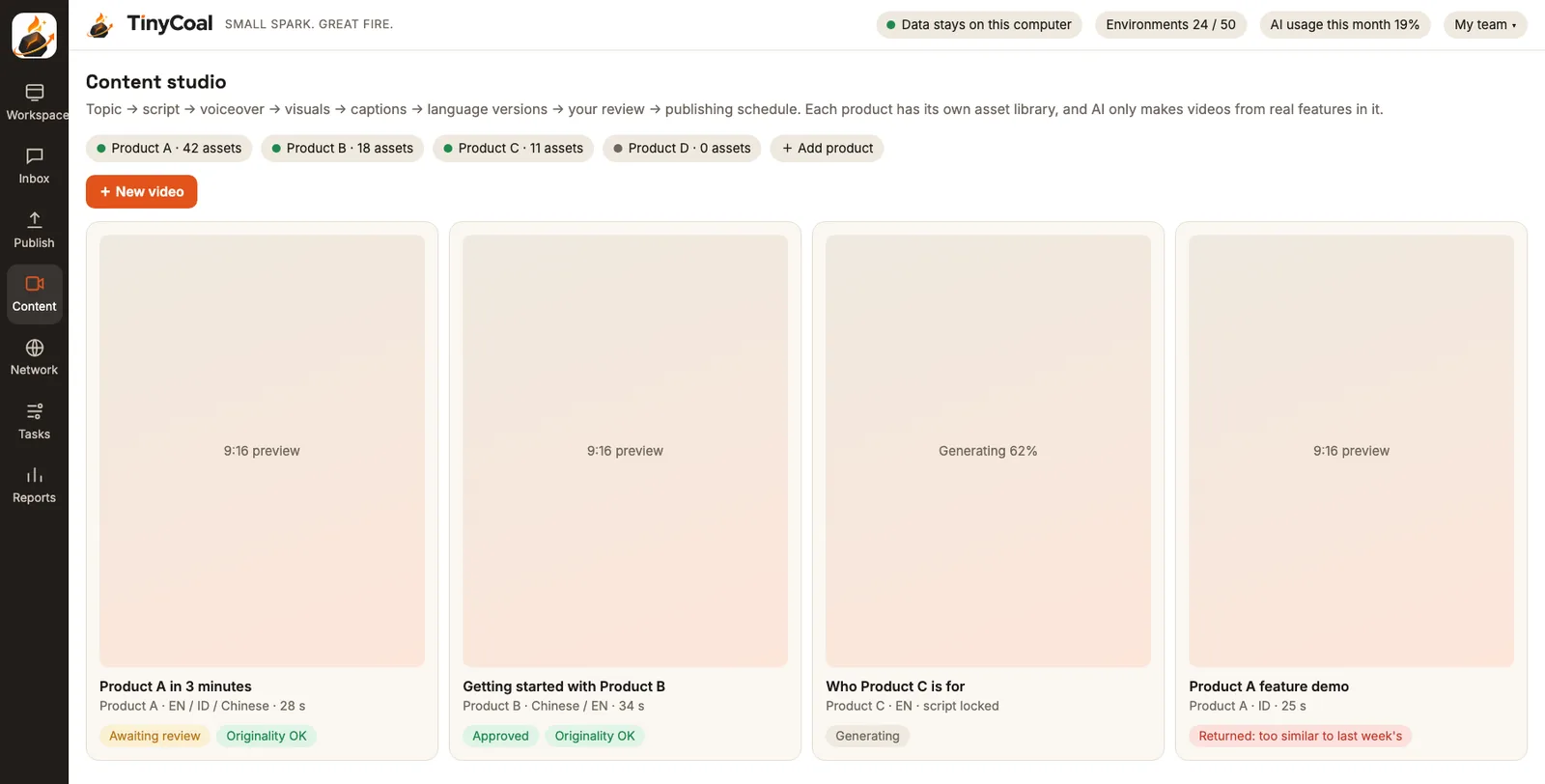
Post at the right local time, then confirm it actually went out
Schedule one piece of content to many accounts and countries, each in the local language and time zone. Every post waits for your confirmation, and failures come with a clear reason.
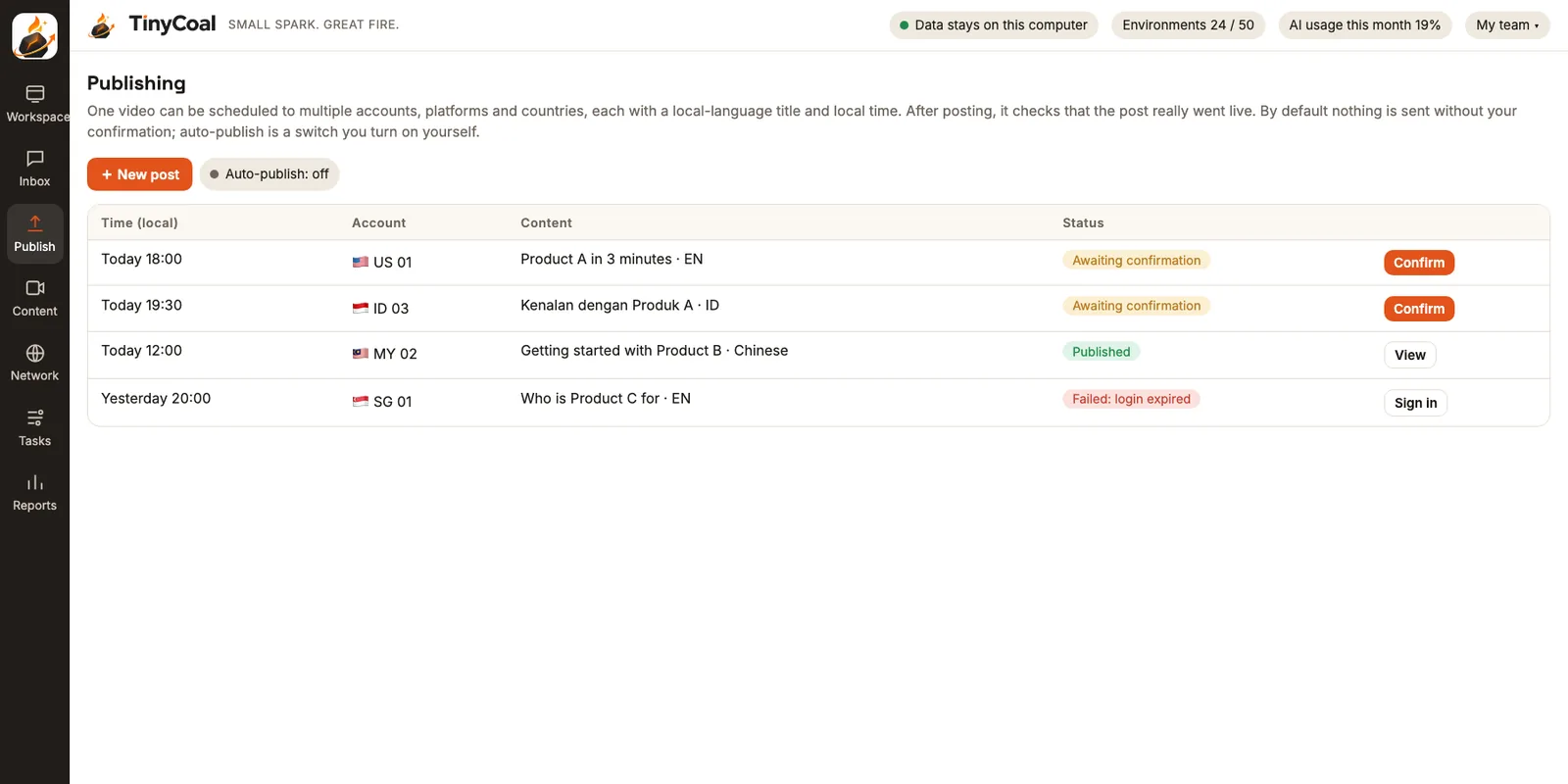
AI reads, translates and drafts. You click send.
Messages and comments from every account in one list, with translations, sorted into inquiries, support and complaints. Complaints and refund requests always go to a person.
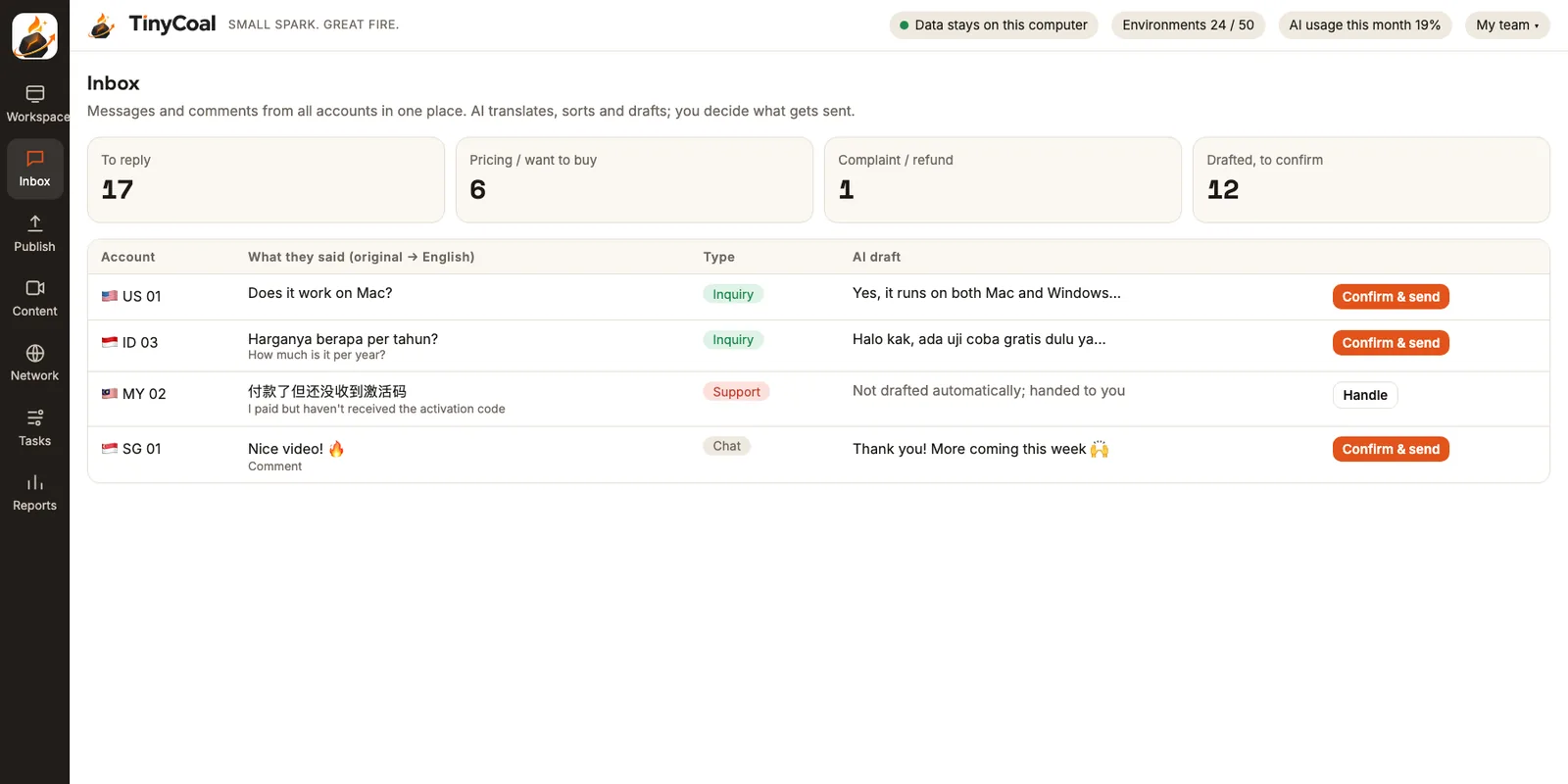
Five minutes each morning to see which accounts need you
Every account is checked automatically: login, network exit, verification prompts and yesterday's posts. Then see which content brought in inquiries.
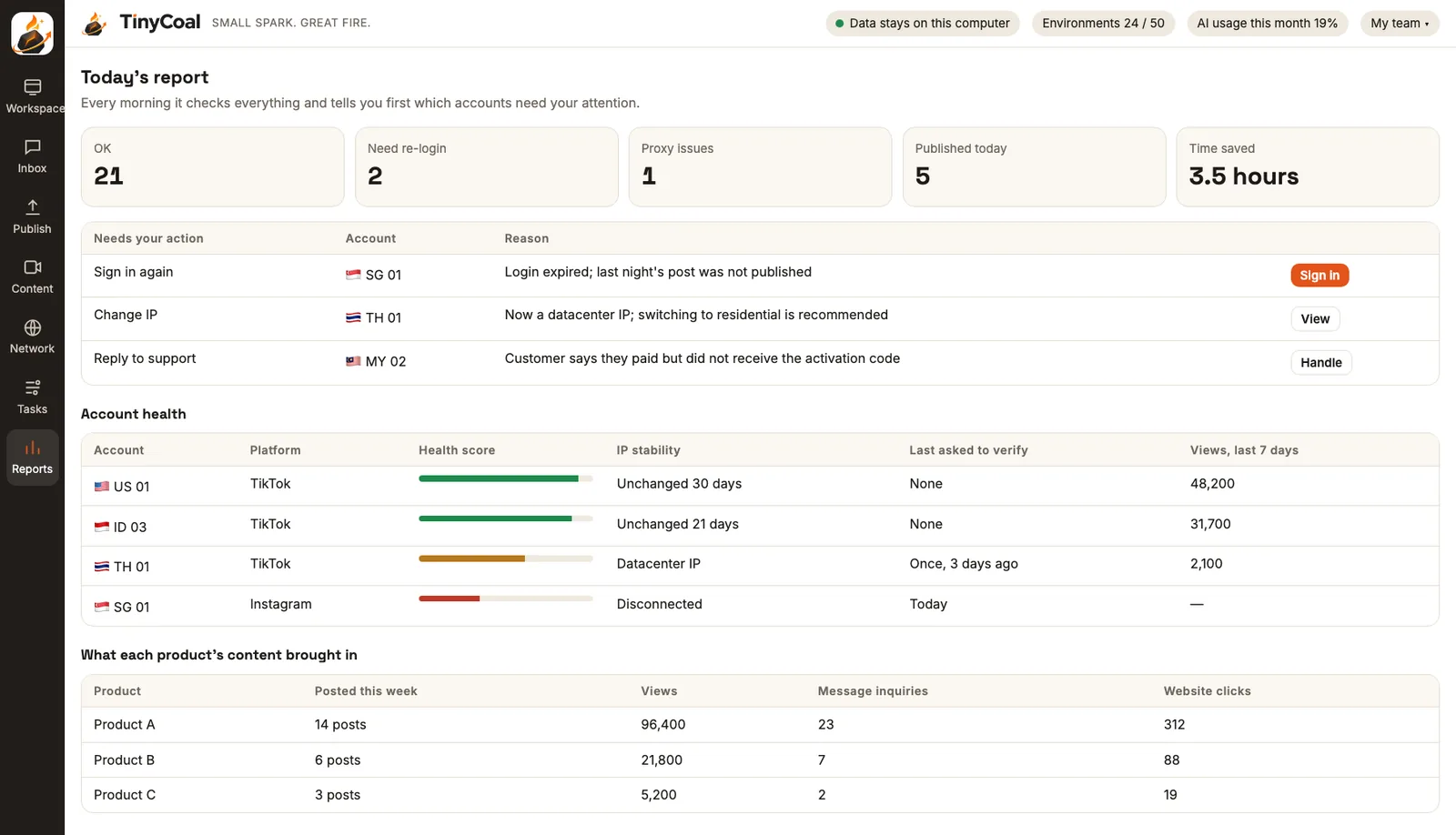
From account environments to daily reports, in one app
Account data stays on your own computer
TinyCoal is a desktop app, not a web dashboard. Login sessions, browser data and original messages stay encrypted on your machine.
- You sign in on the platform's real login page. TinyCoal never collects plain-text passwords
- Content sent to AI is masked first, and every request is logged
- Move to a new computer with an encrypted backup. Only you hold the recovery key
Core features
All features →- Separate account environmentsEach account's own login data, fixed network exit, language and time zonePauses if the
connection drops - AI video productionScripts, voiceover and language versions from your asset library, with duplicate checksScheduled only
after review - Publishing scheduleMany accounts and countries, local language and local time, results verifiedConfirmed
by a person - Unified inbox and AI draftsCollect, translate, sort and draft. Complaints and refunds go to a personSent when
you click - Daily checks and reportsLogins, network, verification, post results and content performanceEvery
morning
What TinyCoal does
Feature overview →Environment layer
Every account gets its own environment, so accounts stay apart and each one consistently connects from the same place.
Automation layer
TinyCoal handles the repetitive browser work inside each environment, a few environments at a time, and stops at any verification prompt.
AI layer
AI writes, translates, edits and organizes. You decide what gets sent.
You stay in control
Data and privacy
AI drafts. A person sends.
Auto-posting and auto-replies are switches you turn on yourself, and both start off. Auto-replies only answer conversations the other person started, complaints and refunds go to a person, and verification is always yours.
Usage rules
How different teams use it

Cross-border sellers
A few accounts each in Indonesia, Malaysia and Thailand, local-language videos to make, inquiries to answer fast, and not many people.
How sellers use it →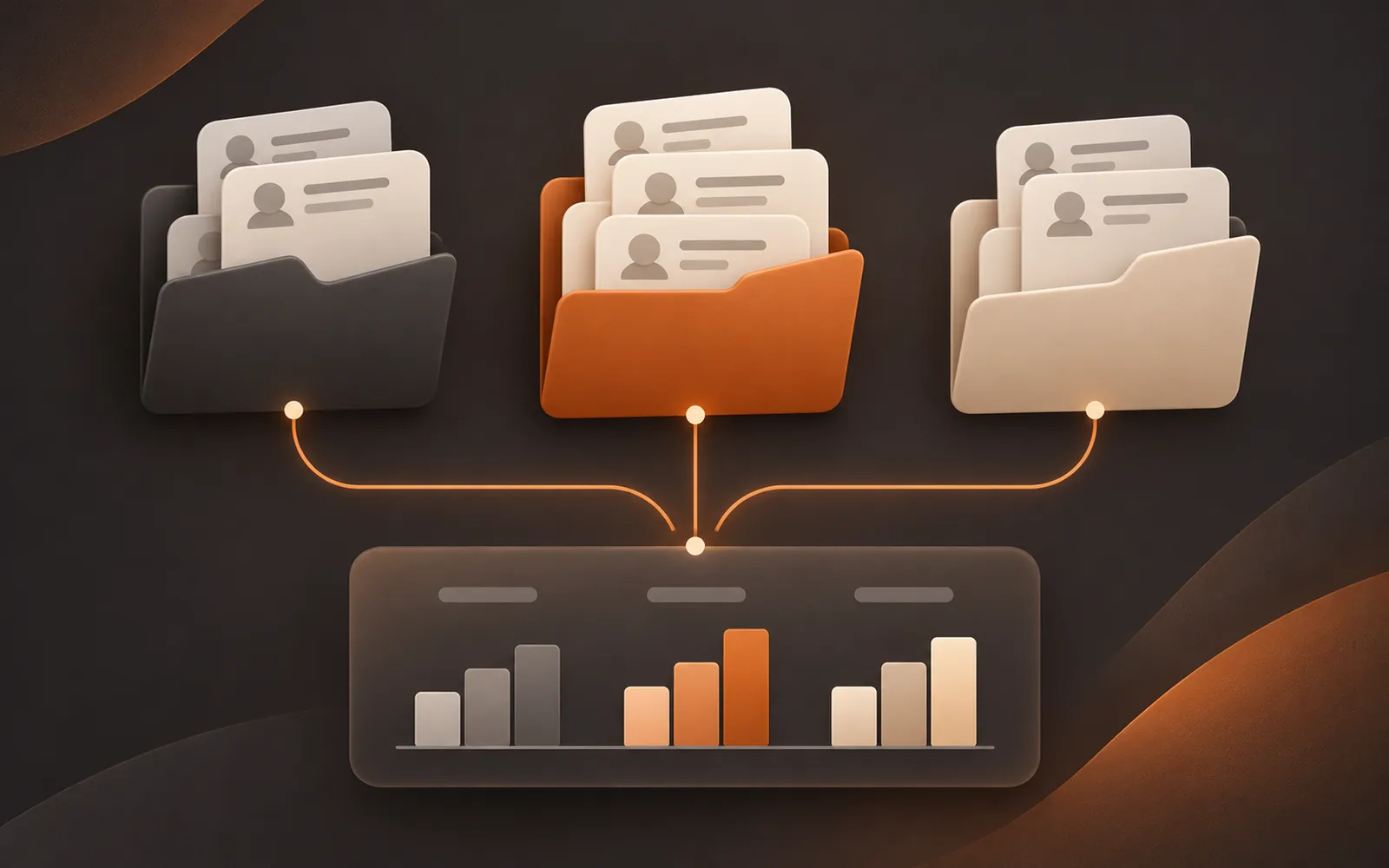
Agencies
Accounts for many clients that must stay separate, hand over cleanly, and feed a weekly client report.
How agencies use it →
Software and brand teams
One product promoted across countries and platforms, sticking to real features and catching every question.
How product teams use it →
Is it right for you?
With one or two accounts, or only TikTok business accounts, the official tools may be enough. Here is how to tell.
Who it's for →A day with TinyCoal
Daily check checklist →



Guides
All guides → Official tools or third-party tools
TikTok Business Center vs third-party tools: when each one fits
GuideNov 22, 2026 Stop AI videos looking alike
Why AI videos look the same, and how to avoid it
GuideNov 22, 2026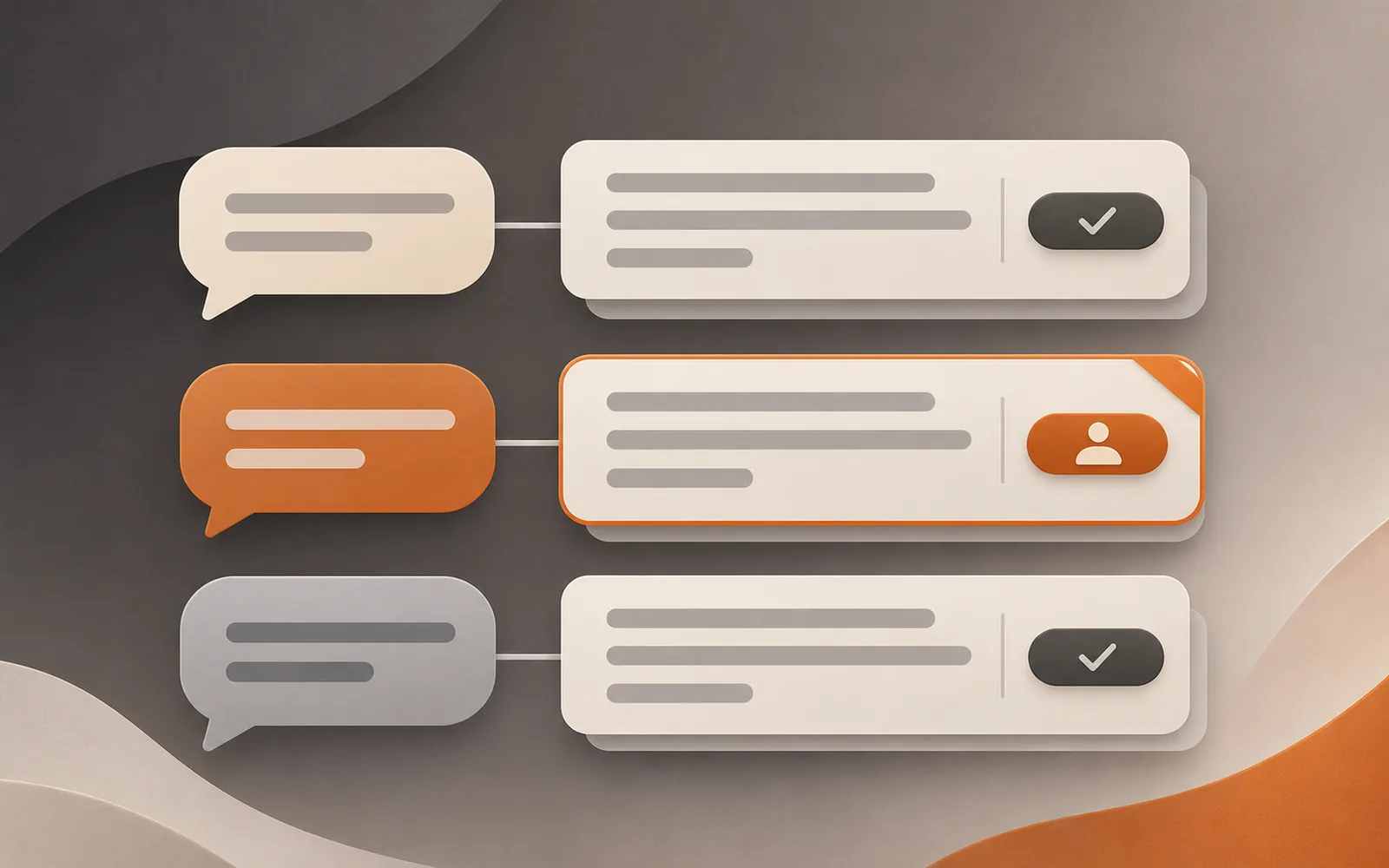 Multilingual DMs
Replying to DMs in many languages: translation, tone, timing and limits
GuideNov 22, 2026More reading: how a team manages multiple TikTok accounts and whether to label AI-generated content. Still have questions? See the FAQ or read about TinyCoal.